User guide
Use the AvdControl console
How to sign in, connect Azure, configure SSO and SCIM, set policies, pick host pools, and run sessions in AvdControl.
- 01Sign inOpen your organisation URL, sign in with email or Entra SSO, then complete MFA when asked.
- 02Set up the organisationWork through the eight-step wizard: organisation, Azure, host pools, team, optional SSO, policies, then go live.
- 03Azure connectionCreate the Entra app used for AVD collection, grant the right Azure roles, validate discovery, and rotate secrets.
- 04SSO and SCIMConfigure Entra SSO and SCIM provisioning with redirect URI, token handling, group mappings, testing, and rotation.
- 05DashboardSee active, idle, and disconnected counts for the host pools in your scope.
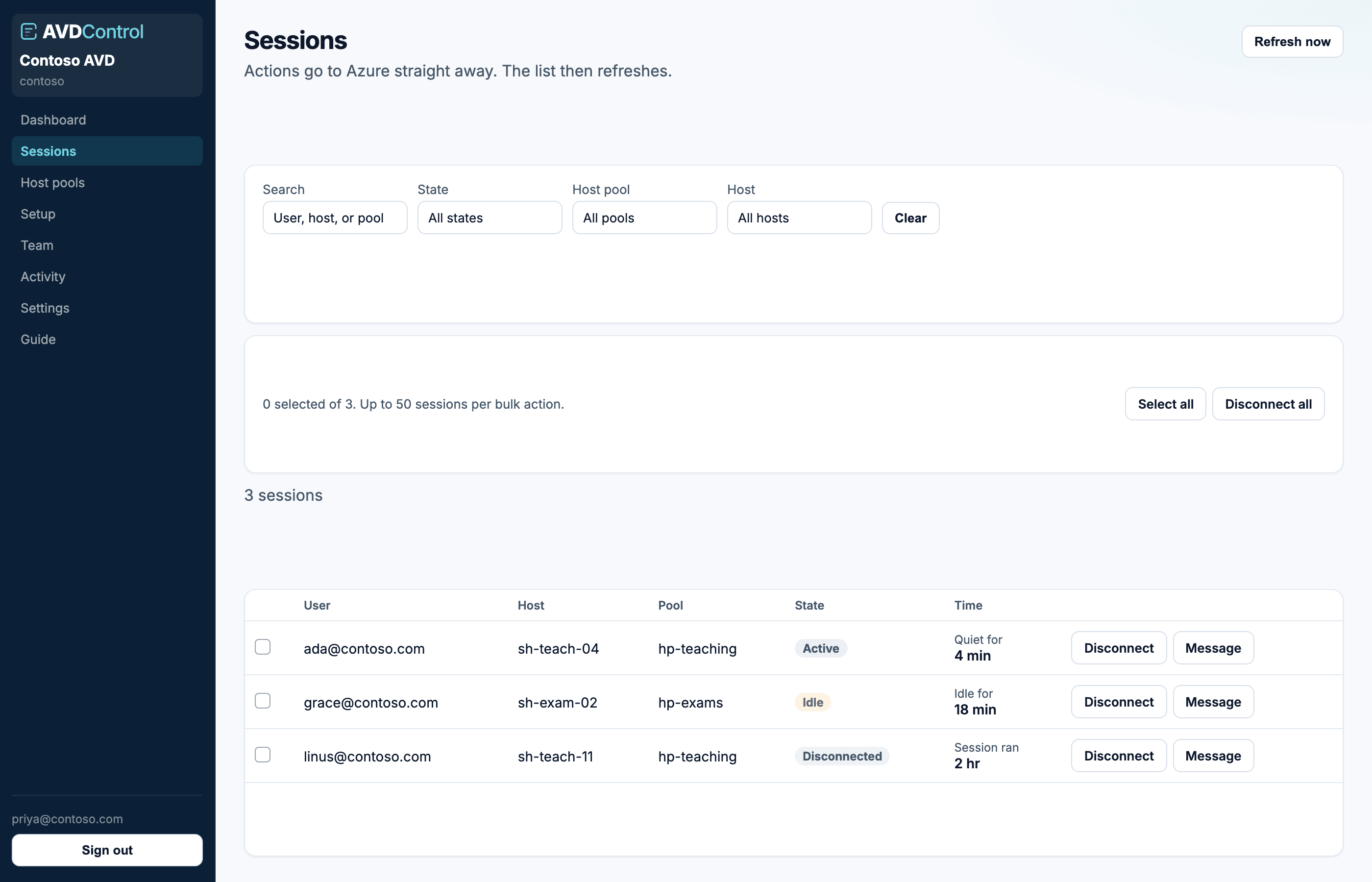
- 06SessionsFind a user, then disconnect, message, or log off. Actions go to Azure immediately.
- 07Host poolsChoose which Azure Virtual Desktop pools the console collects and who can see them.
- 08Team and rolesInvite people, pick a role, and optionally limit them to specific host pools.
- 09PoliciesRequire MFA for operators and set ticket references to off, optional, or required before session actions.
- 10ActivityEvery session action, invite, and setup change is written here with the actor and the pool.
- 11SettingsEnrol MFA, require tickets, connect Entra SSO or SCIM, and open the billing portal.
- 12BillingReview plan, seats, trial status, invoices, payment details, and what happens when a trial ends.
- 13HelpAsk a question, report a problem, or share feedback from the console. Replies land on the same page.
Self-serve signup is coming soon. When you have access, start with Set up the organisation.
Coming soon
Read the guide, then try the console.
Self-serve signup will open shortly. The illustrated guide is ready now.