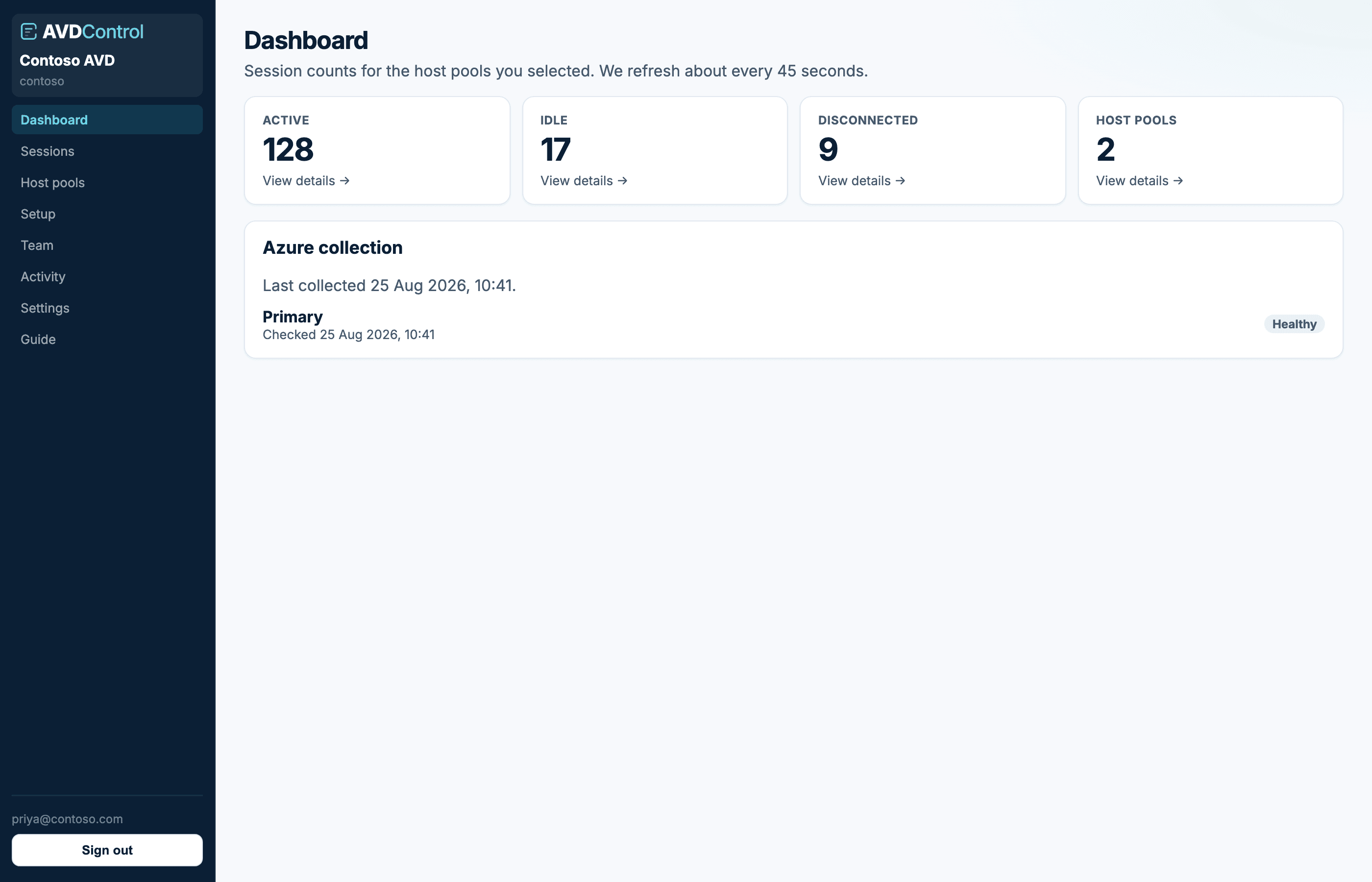
See active, idle, and disconnected counts for the host pools in your scope.
What the numbers mean
The dashboard shows session counts for the host pools you can see. Active means someone is in a session. Idle means the session is still open but quiet. Disconnected means the user left without logging off.
Host pools is how many pools are selected for collection. Counts refresh about every 45 seconds. Use Sessions and Refresh now if you need a newer list.
If the dashboard is empty, check Setup first: Azure must be connected, at least one host pool must be managed, and your role must include access to that pool. Owners and admins can verify collection status on the Azure collection card.
contoso.avdcontrol.com
Session counts for the pools in your scope. Azure collection shows when Azure was last queried.
First-run prompt
Owners and admins who have not connected Azure yet see a card that opens the setup wizard. Operators do not see session data until Azure is connected and at least one pool is selected.
Use the dashboard
Click a KPI card to open Sessions already filtered to that state. Use this when you want to move from a high count of disconnected or idle sessions straight into action.
The Azure collection card shows whether recent collection is healthy. If it says needs attention, open Setup or Azure connection, retry discovery, and check the last error on the connection.